

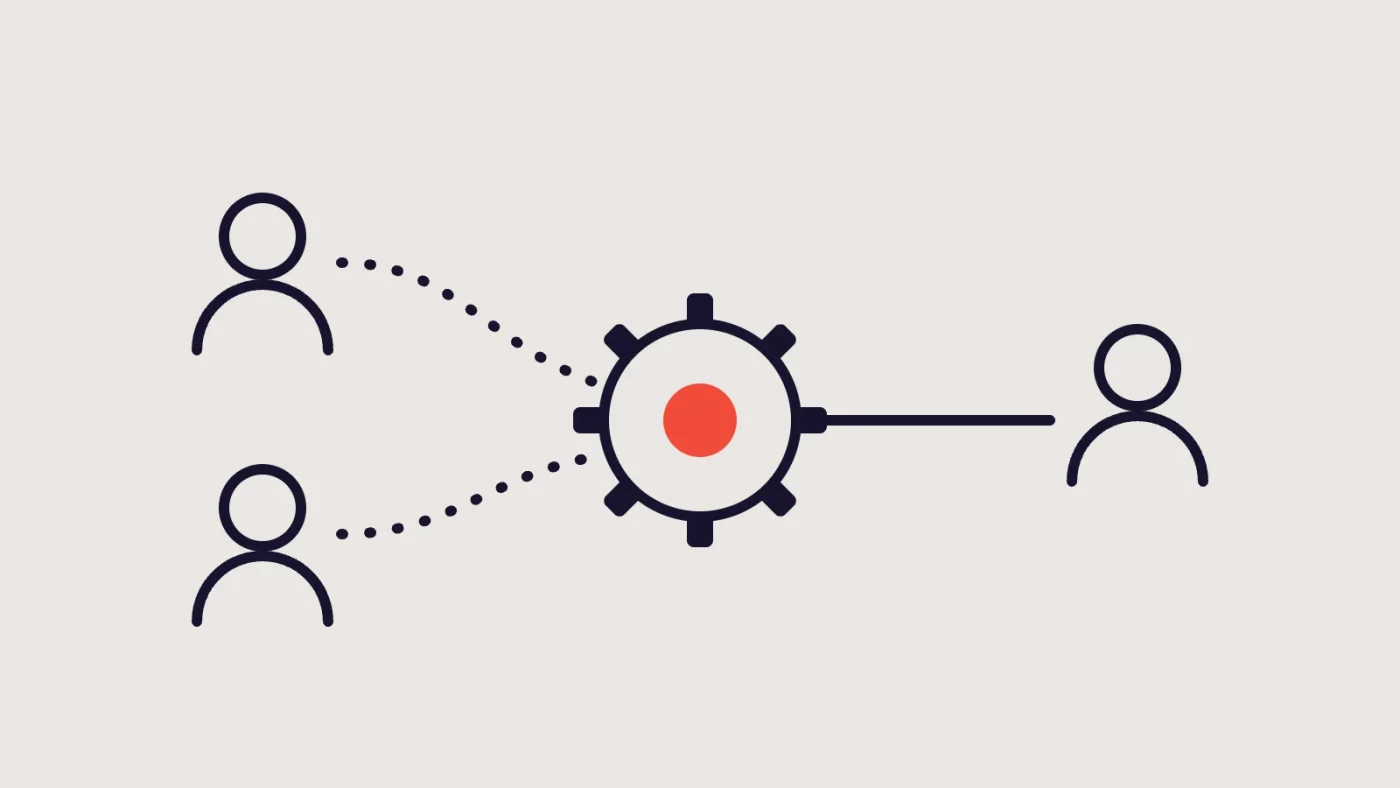
A new website is often only one part of a larger system. When someone completes a form, the website may store the entry, send a notification, pass details to a CRM and trigger an automation that creates a task, a document or a message.
Each of those steps can be built by a different person or company. The web developer builds the form. A marketing agency or specialist builds the workflow. Your team owns the process and the data. When something goes wrong on launch day, the question “whose job is this?” costs time you may not have.
This article proposes a way to answer that question before launch. It includes a runbook table that assigns owners to each task.
The usual cast
Every project is different, but three roles appear almost everywhere.
| Role | Typically responsible for |
|---|---|
| Website developer | The form on the website, its settings, stored entries, notifications from the site and what the form sends outward |
| Automation or CRM partner | The workflow after the data leaves the website: records, rules, documents, tasks, messages, reports |
| Client team | The business process: who acts on what, what the data means, who approves, who is contacted if something breaks |
Sometimes one organisation covers two roles, and sometimes there are extra parties, such as a hosting provider, an email administrator or an analytics agency. What matters is that every task has a named owner, not that there are exactly three.
Credit the right people
It helps to be clear about which part each party built. In a recent example of this arrangement, our Total Health Choice project included a conditional referral form built with Gravity Forms on the website, while a separate specialist built the automation behind it. Our part was the website side: the form and its handoff. The automation belongs to the specialist.
Being exact about this is good practice, not modesty. It tells everyone whom to call about what.
Why launch day needs a plan
Websites often launch with a final switch: pointing the domain at the new hosting, publishing the new forms or turning on integrations. At that moment, several things change at once. Forms may connect to a live CRM instead of a test account. Real people start submitting real details.
A runbook turns launch from a hopeful moment into a series of checked steps.
Before launch: agree these
Before you assemble the runbook, answer these questions in writing.
- What is the intended journey? Describe it in plain words, from visitor submission to staff action.
- What data moves, and where? List fields and destinations.
- Where is testing done? Which environments or accounts are test and which are live?
- Who can say “go”? Name the person with authority to approve launch.
- Who can say “stop”? Define what failures mean a rollback or pause.
- How will the team know it works? Choose the checks you will accept as evidence.
- Who is available on launch day? Include contact methods for each party.
The launch runbook
Copy this table into a shared document. Replace the example owners with names. Add rows for anything specific to your project. Mark each task when done and note who confirmed it.
| # | Task | Website developer | Automation / CRM partner | Client team | Evidence |
|---|---|---|---|---|---|
| Before launch | |||||
| 1 | Approve the journey description and field list | Contributes | Contributes | Approves | Signed-off document |
| 2 | Build and test the form on the website | Owns | Reviews | Test entries and notes | |
| 3 | Set up website notifications and recipients | Owns | Confirms recipients | Test email received | |
| 4 | Prepare destination in the CRM or workflow tool | Owns | Confirms rules | Test records in place | |
| 5 | Test form to automation in a test setup | Supports | Owns | Observes | Test results shared |
| 6 | Agree dummy data and how it will be cleaned up | Supports | Supports | Approves | Written list |
| 7 | Check access and permissions for each system | Checks website | Checks CRM | Owns accounts | Access list, no shared passwords |
| 8 | Confirm who receives alerts if something fails | Contributes | Contributes | Owns | Named contacts |
| 9 | Agree go/no-go criteria and rollback plan | Contributes | Contributes | Decides | Written plan |
| Launch day | |||||
| 10 | Switch the website to live (hosting, domain, publish) | Owns | Approves timing | Site live and reachable | |
| 11 | Point the form at the live destination | Owns website side | Owns destination side | Observes | Settings confirmed on both sides |
| 12 | Submit a live test entry with dummy data | Owns | Watches | Watches | Entry stored |
| 13 | Check the website notification arrived | Checks | Confirms | Email received | |
| 14 | Check the CRM record and automation outcome | Supports | Owns | Confirms | Record, task or document as expected |
| 15 | Check analytics or conversion events | Checks | Checks if involved | Confirms | Event visible once |
| 16 | Remove or label test records | Cleans website | Cleans CRM | Confirms | Cleanup noted |
| 17 | Go/no-go decision recorded | Advises | Advises | Decides | Message or note |
| After launch | |||||
| 18 | Monitor the first real submissions | Watches entries | Watches workflow | Watches outcomes | Daily check noted |
| 19 | Triage problems and decide who fixes | Website issues | Workflow issues | Prioritises | Issue log |
| 20 | Retest after fixes | Supports | Supports | Confirms | Pass recorded |
| 21 | Hand over documentation and training | Owns | Owns | Receives | Documents and training provided |
Test with the right data
Use obviously fake records for launch testing. A fake name, a number and email address you control, and a phrase such as “TEST – please ignore”.
Do not use real people’s details. Do not use realistic sensitive information, such as health details. If your workflow produces documents or messages, find out in advance who will see the test output and whether it could reach a real person by mistake.
Whatever your sector, speak to your adviser about any privacy or regulatory requirements. This article cannot cover them.
Define rollback before you need it
Decide ahead of time what you will do if launch checks fail. Options include:
- Pause the connection so the form still stores entries but nothing passes to the automation. Staff then act on the entries manually.
- Switch the form to a simple notification while the workflow is repaired.
- Revert the website to the previous version, if that is possible and sensible.
- Proceed with a known limitation, with the client team’s explicit agreement, if the issue is minor and well understood.
For each option, record who decides, how quickly it can be done and what the team does meanwhile. A decision made calmly beforehand beats one improvised under pressure.
Prepare for the first real enquiries
The first few submissions deserve attention. After launch:
- Someone checks the entries list and the CRM against each other.
- Someone confirms the first notifications arrived.
- The client team confirms that the downstream result, such as a task or a message, is what they expected.
Our guide to testing a website form properly provides the checklist behind these steps.
Common ways launches go wrong
- No named owner for the join. The website passes data to the automation, and each side believes the other is checking.
- Test and live settings mixed up. The form still points at a test account, or a test workflow sends real messages.
- Permissions assumed. The person who needs to approve or fix something lacks access.
- Field names changed late. A form is edited after the automation is built, and the data stops arriving.
- No agreed contact on launch day. Messages go to someone who is away.
- No rollback plan. Everyone waits for someone else to make the call.
Most of these are prevented by the runbook above and one shared conversation.
Keep the runbook alive
After launch, keep the document. It becomes the reference for later changes, such as new form fields, a changed workflow or a new team member. Update it when responsibilities shift, and retest when anything changes.
A sensible next step
Take the runbook table to your next project meeting and ask each party to correct their column. The corrections show where assumptions differ.
If you are planning a launch that involves forms and automation, talk to us about the website side. We will be clear about what we handle and what belongs with your other partners.