

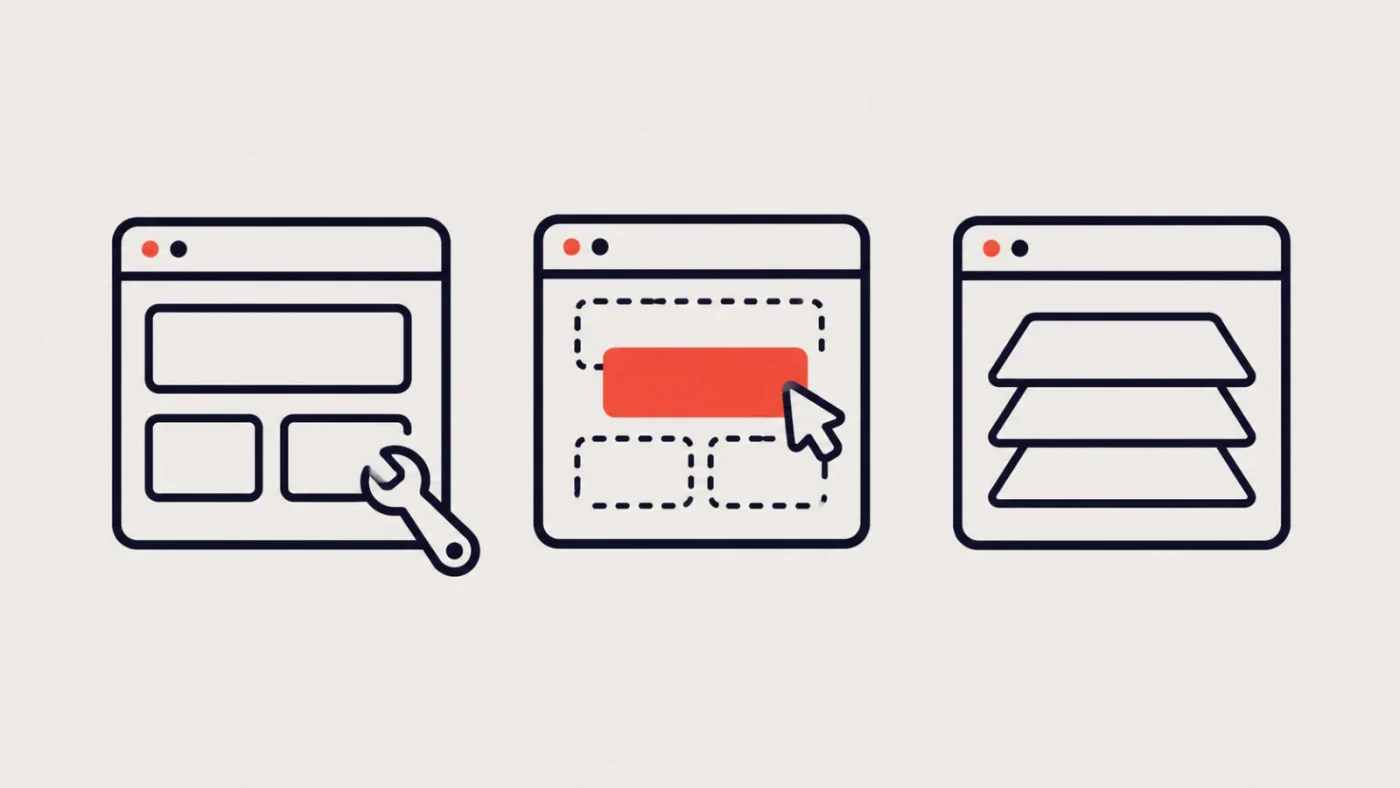
You may be unhappy with your website without needing a new one. Equally, a series of small fixes can become expensive when the underlying setup keeps getting in the way.
The useful question is what needs to change, and how much of the existing website can support that change. Repair, redesign and rebuild describe different levels of work. They often overlap, but they should lead to different recommendations.
This guide gives you a way to assess the problem before committing to a project.
Start with the problem you can observe
Write down what happens, where it happens and who it affects. “The website is old” does not tell a developer much. These descriptions do:
- Enquiries from one form never reach the sales inbox.
- Staff need help to make every small content change.
- Customers cannot work out which service applies to them.
- The product catalogue is difficult to use on a phone.
- Changing one page breaks several others.
- The website presents a business we no longer are.
Separate things you know from things you suspect. If enquiries are low, for example, the cause might be traffic quality, the offer, the content, the form or the follow-up process. A new visual design alone would not settle that question.
Where you can, bring screenshots, affected page addresses and a few real observations. That gives an assessment somewhere useful to start.
When a repair makes sense
A repair addresses a specific fault while keeping most of the website intact. Examples include fixing an enquiry notification, correcting a broken link, adjusting one mobile layout or restoring a connection to another system.
Repair is worth considering when the site still represents the business, visitors can navigate it reasonably well and your team can manage its content. The problem is contained, and the existing setup gives the developer a sensible way to fix it.
Ask for the cause as well as the symptom. Repeatedly restoring a failing form is less useful than finding why it stops working.
A repair can also be a sensible first step before a larger project. If customers are currently unable to enquire, restoring that function may be more urgent than debating the future homepage.
For a contained problem, start with WordPress support. You do not need to arrive with a rebuild brief.
When a redesign makes sense
A redesign changes the way the website presents information and guides visitors. That can include the page structure, navigation, layouts, typography and content.
It may suit a business whose services have grown, whose brand has changed or whose website makes visitors work too hard to understand its offer. The existing platform might still be useful, while the presentation needs substantial attention.
Be specific about the decisions a visitor struggles with. Can they find the right service? Compare products? Understand who a programme is for? See enough evidence to take the next step?
A visual refresh can be part of this, but changing colours without addressing unclear content will leave much of the same problem behind.
Before asking for a new look, identify what deserves to stay. Useful articles, well-structured product information and familiar customer tools can remain valuable.
When a rebuild makes sense
A rebuild changes the technical foundation or the way the website is assembled. It may keep much of the existing content and visual identity, or it may accompany a redesign.
Reasons to investigate a rebuild include an unsuitable editing system, extensive layout problems across the site, difficult dependencies or a platform that cannot reasonably support the required functionality.
None of those can be confirmed from a site’s age alone. An assessment should look at what is installed, how it is maintained, what is custom and what the business needs next.
On our Cold Rock work, the technical redevelopment retained much of the existing visual layout. It is a useful example of why a rebuild does not automatically mean a new visual identity. That does not establish which approach another website needs; it shows that the two decisions can be separated.
Ask which parts will be reused, which will be replaced and why.
Use this decision worksheet
These are starting points for a discussion, not diagnoses.
| What you are seeing | Investigate first | Evidence to bring |
|---|---|---|
| One feature has stopped working | A contained repair | Affected form or page, timing and recent changes |
| Visitors cannot find relevant information | Content and navigation | Common customer questions and difficult journeys |
| Brand and service presentation are outdated | Redesign scope | Current brand material and service priorities |
| Routine edits are consistently difficult | Editing setup and templates | Examples of the changes staff cannot make |
| Problems recur across many parts of the site | Technical assessment | Recurring faults and known dependencies |
| Several of these apply together | A combined plan | Business priorities and an agreed inventory |
You can also list what would count as a good result. “Staff can update a service description without changing the layout” is a useful acceptance point. “A better website” is harder to test.
Compare the consequences, not only the initial price
A small fix costs less only if it solves the problem for a useful period. A rebuild has value only if the improvement justifies its scope and disruption.
For each option, ask:
- What business problem will it solve?
- What will remain difficult afterwards?
- What existing content, accounts and functionality will be retained?
- What needs to be migrated or retested?
- Who will maintain the result?
- What assumptions could change the scope?
Include your team’s time. A supposedly simple option can create ongoing manual work. A larger option can require content preparation and approvals that your team cannot currently supply.
Sometimes the sensible plan is staged: restore a failing function now, improve priority pages next and review the wider platform later.
Four claims worth questioning
“It is five years old, so replace it.” Age is context. It does not prove the website is unsuitable.
“A redesign will fix the enquiry problem.” Ask which part of the enquiry journey will change and how it will be checked.
“Everything must be built from scratch.” Useful content, reliable integrations and working tools deserve an individual assessment.
“We can keep patching it indefinitely.” Ask whether repeated fixes are addressing the cause or increasing the cost of keeping an unsuitable setup.
A useful recommendation explains the trade-off rather than treating one approach as the answer to every situation.
Bring the problem, then decide the scope
Choose your three main frustrations and list what currently works. That combination gives an agency more useful information than a collection of design references alone.
Our redesign preparation checklist can help you organise it. If wider changes are needed, see our website redesign services. We can help define the work around the problem you actually have.